Updated · August 2026
Reap and Rush on Steam Deck
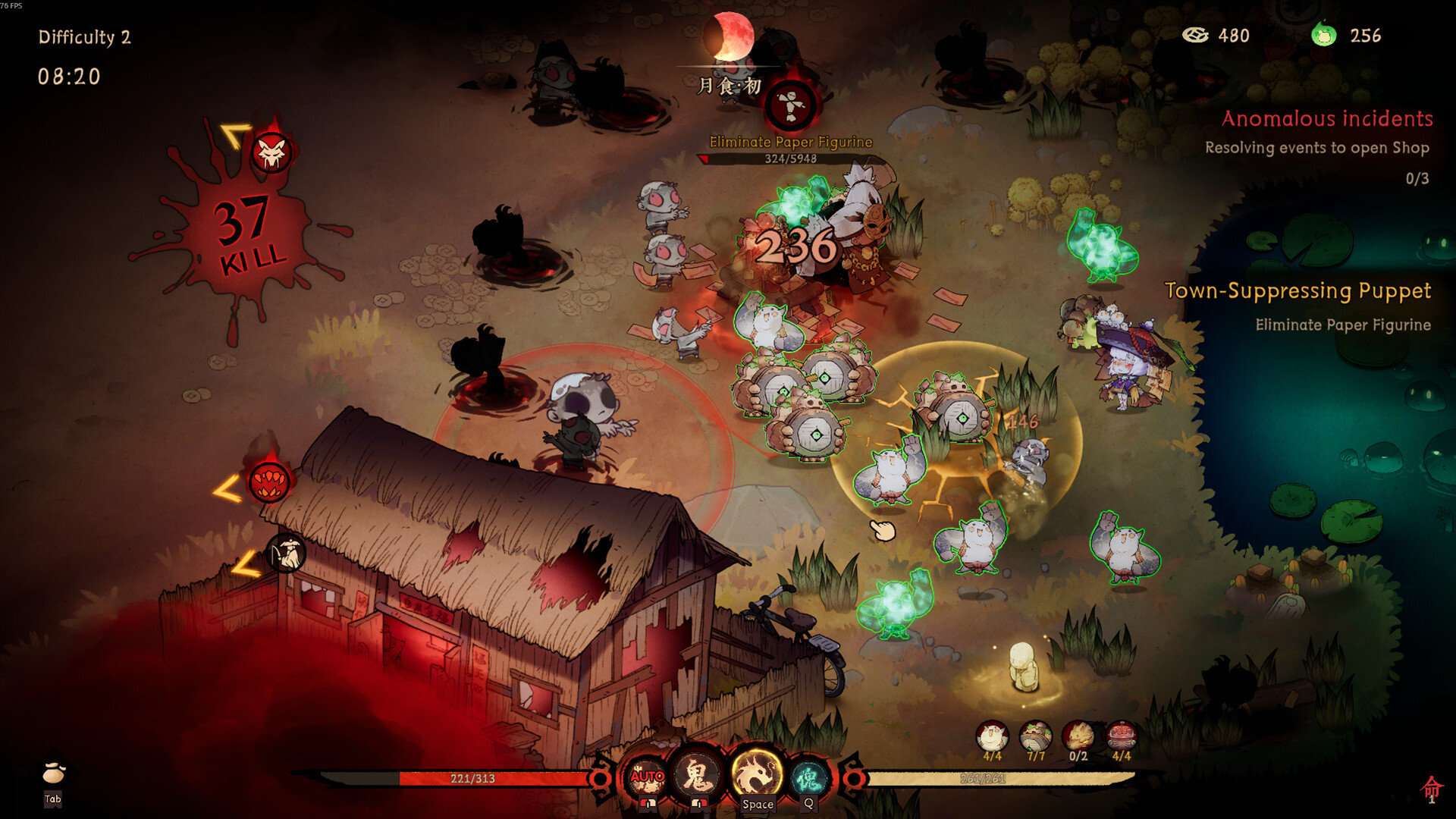
Official Q&A said most features work on Steam Deck. That is not the same as a Verified badge. ProtonDB still showed unknown Deck status around launch. Play it as a first-class gamepad session, then watch for the bugs patches already named.
What was actually fixed
- Steam Deck virtual keyboard could not open until 1.0.3. If a passphrase field or search box ignores you, update before blaming the Carrot NPC.
- Over-sensitive pad input could steal mouse focus (1.0.2).
- Talent inventory paging, tutorial Yin Law overlay, backpack tooltips, and Continue-versus-Start-Game default focus were August pad fixes that also help Deck.
- Reset-to-default could show wrong glyphs versus actual functions.
Practical Deck setup
Use the official layout, then bind Interact and Support Chest Drop once those keys exist in 1.0.3. Prefer borderless/default display. Lower post-processing toward the floor of 1 if the screen flashes—the launch letter already warned photosensitive players, and damage flash below 3 HP was softened on 12 August.
Resolution quirks remain possible. If UI text clips (Space/Ctrl overlap was a desktop bug too), check settings and language fonts. Traditional Chinese, Korean, Japanese, and Russian all had missing-glyph patches.
Codes still belong in the client, not a browser. See codes and controller.
Frequently Asked Questions
Is it Steam Deck Verified?+
Q&A said most features work. Treat verification as unofficial until Valve’s badge says otherwise.
Why can I not type Five Flowers?+
The Deck virtual keyboard was broken until 1.0.3.
Should I use community layouts?+
Start official, then remap Interact and chest-drop. Stop fiddling for a week.